For iPhone · Free on the App Store · Android in testing
Paste the reel. Make the kape.
You saved the video and never opened it again. Paste its link, or the caption itself, and Pakopya reads out the ingredients and the steps into a library you can open any time.
Free, with an optional tip jar. No ads.
Pasted caption
KAPENG BARAKO FLOAT

2 kutsara kapeng barako, malamig
1 tasa gatas na evap
1 kutsara condensada

punuin ng yelo ang baso, ibuhos ang kape sa gilid...
What Pakopya read
KAPENG BARAKO FLOAT
Ingredients
- 2 tbspkapeng barako, malamig
- 1 cupgatas na evap
- 1 tbspcondensada
Steps
- 1punuin ng yelo ang baso, ibuhos ang kape sa gilid...
How it works
Six things it does today
-
Paste a link or a caption
From a recipe blog, or a post. When the recipe is in the caption and not behind the link, paste the caption.
- Blogs
- TikTok
- YouTube
-
It reads what is already there
A page that carries recipe data gets read from that. A post gets its caption sorted into ingredients and steps, and on Reddit the poster’s own comments are read too. When there is no recipe to find, it says so instead of making one up.
-
You check it, then it saves
Most of it comes back clean. You fix the lines it was not sure about, and the recipe keeps its link and the name of whoever wrote it. When a caption leaves an amount out, Pakopya leaves it blank and says so when you review the recipe, rather than guessing a number.
-
A library of drinks, on your phone
Coffee first, then the rest of what you pour. A food recipe saves just as well. Your recipes are kept on the phone, and what you saved opens without a signal.
-
Every step, in order
Open a recipe and the whole method is one tap away, in the order it was written.
-
In the way you talk
The app speaks English, Taglish, or Taglish with Ilokano. Your recipes stay in the words they were written in.
- English
- What’s the drink? Here it is.
- Taglish
- Anong timpla? Heto na.
- Taglishokano
- Ania ti mainom? Adda ditoyen.
In the app
From the current build
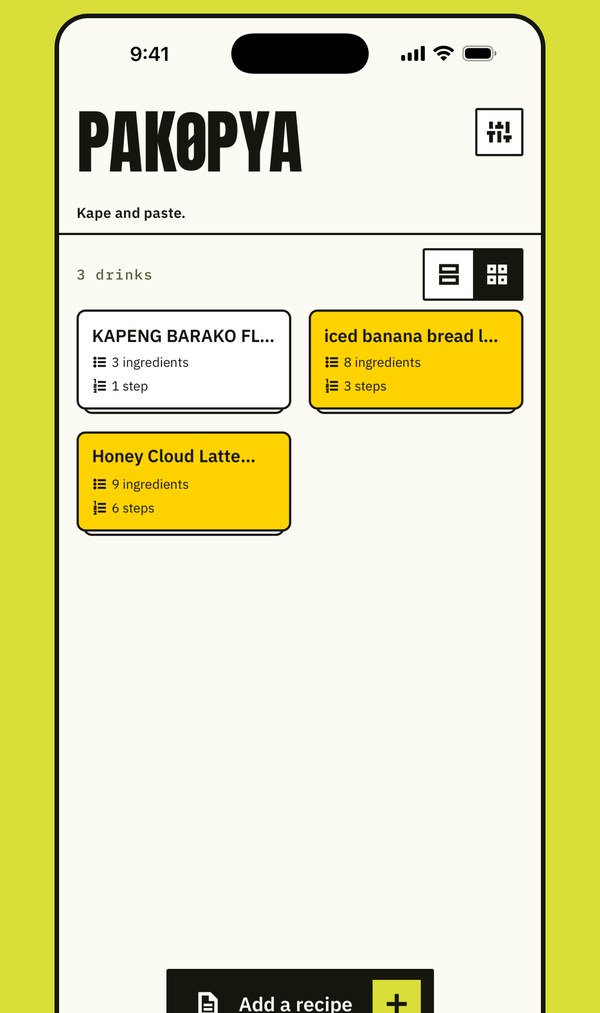
A library on your phone 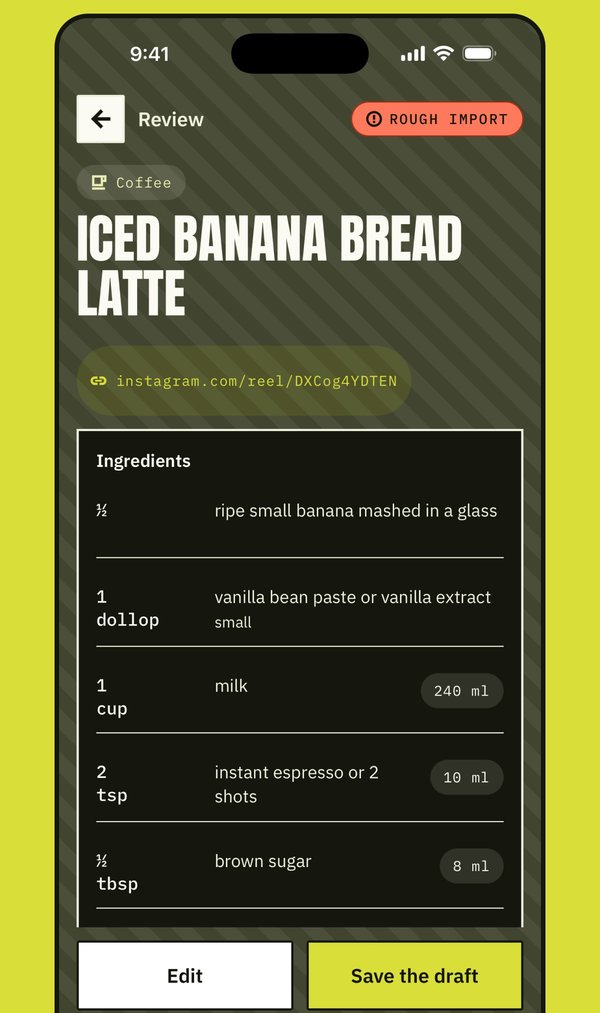
Checked before it saves 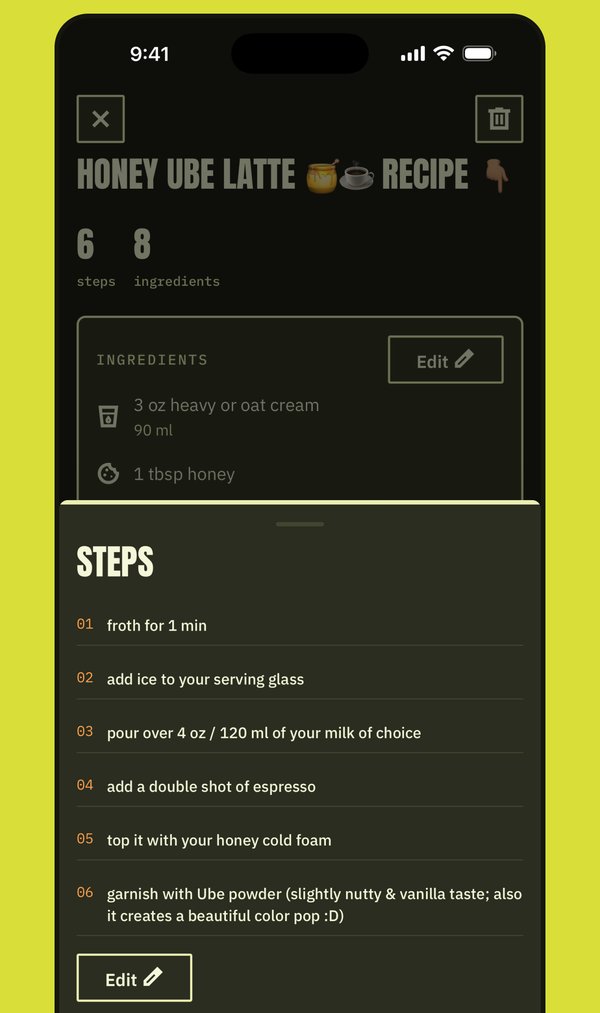
Every step in one sheet 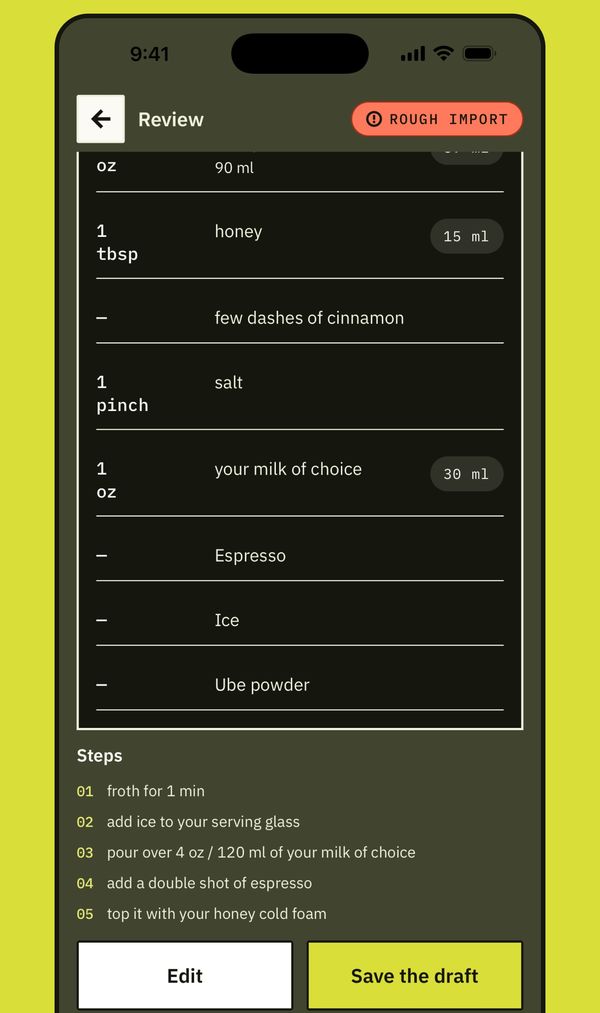
Blank, not guessed 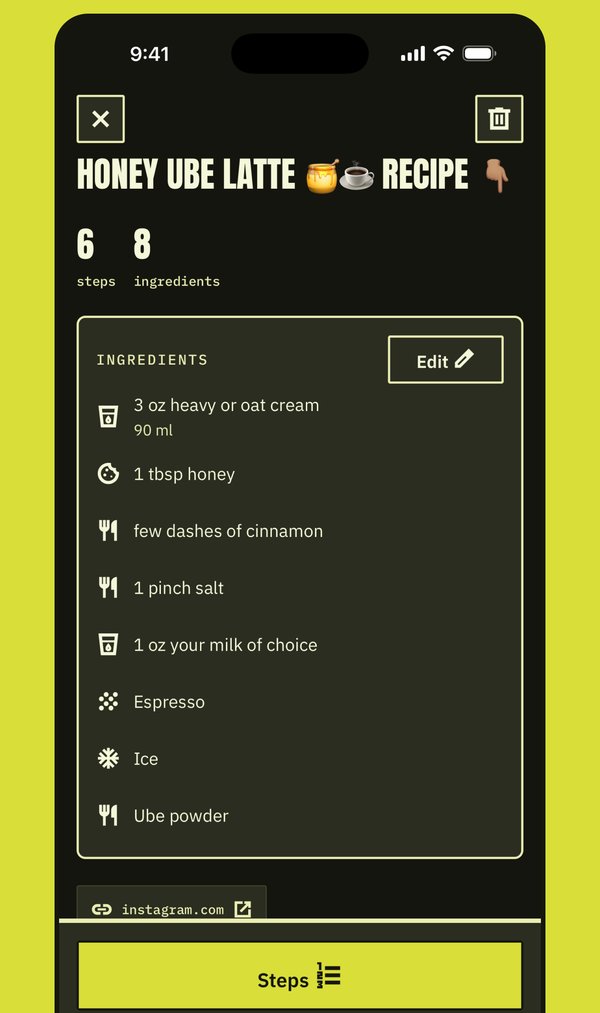
Back to the source 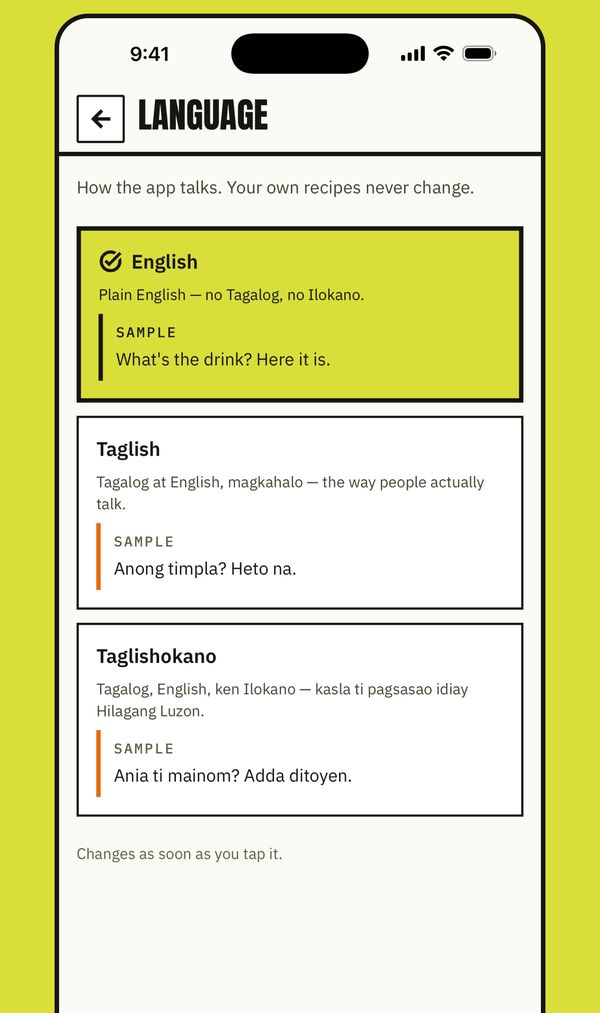
Three ways it talks
Questions
Asked before you asked
How much is it?
Nothing. Every recipe and every feature is free. If you'd like to say thanks, there's an optional tip jar on iPhone, and a tip unlocks nothing. No card is asked for, and there are no ads.
Where do I get it?
On the App Store, for iPhone: Pakopya: Recipe & Drink Saver. It is free.
Is there an Android version?
It is being tested on Google Play now, and you can help it out: Google needs a dozen testers for two weeks before it goes public. Join the Pakopya Testers group, then open the testing invite on your Android phone and install it from Google Play.
Do I need an account?
No. You can sign in with Apple or Google if you want one, and there is no password to make either way. The account holds your sign-in and nothing else; your recipes stay on your phone whether you sign in or not.
Does it work offline?
Everything you saved opens and can be made without a signal. Reading a new link needs one.
Can I take my recipes out, or delete them?
Export everything in Settings gives you a copy of your library. A single recipe can be deleted from its own page. If you signed in, Delete account erases the account and every recipe on the phone with it, so export first if you want to keep a copy.